Applying for a government exam in India often feels like navigating a maze of technical requirements. Between calculating your exact age as of a cut-off date, resizing your photograph to fit strict pixel dimensions, cropping your signature just right, and keeping track of application deadlines, the process can quickly become overwhelming. The good news? A wealth of free online tools exists to handle each of these tasks in seconds—no expensive software or technical expertise required.current affairs
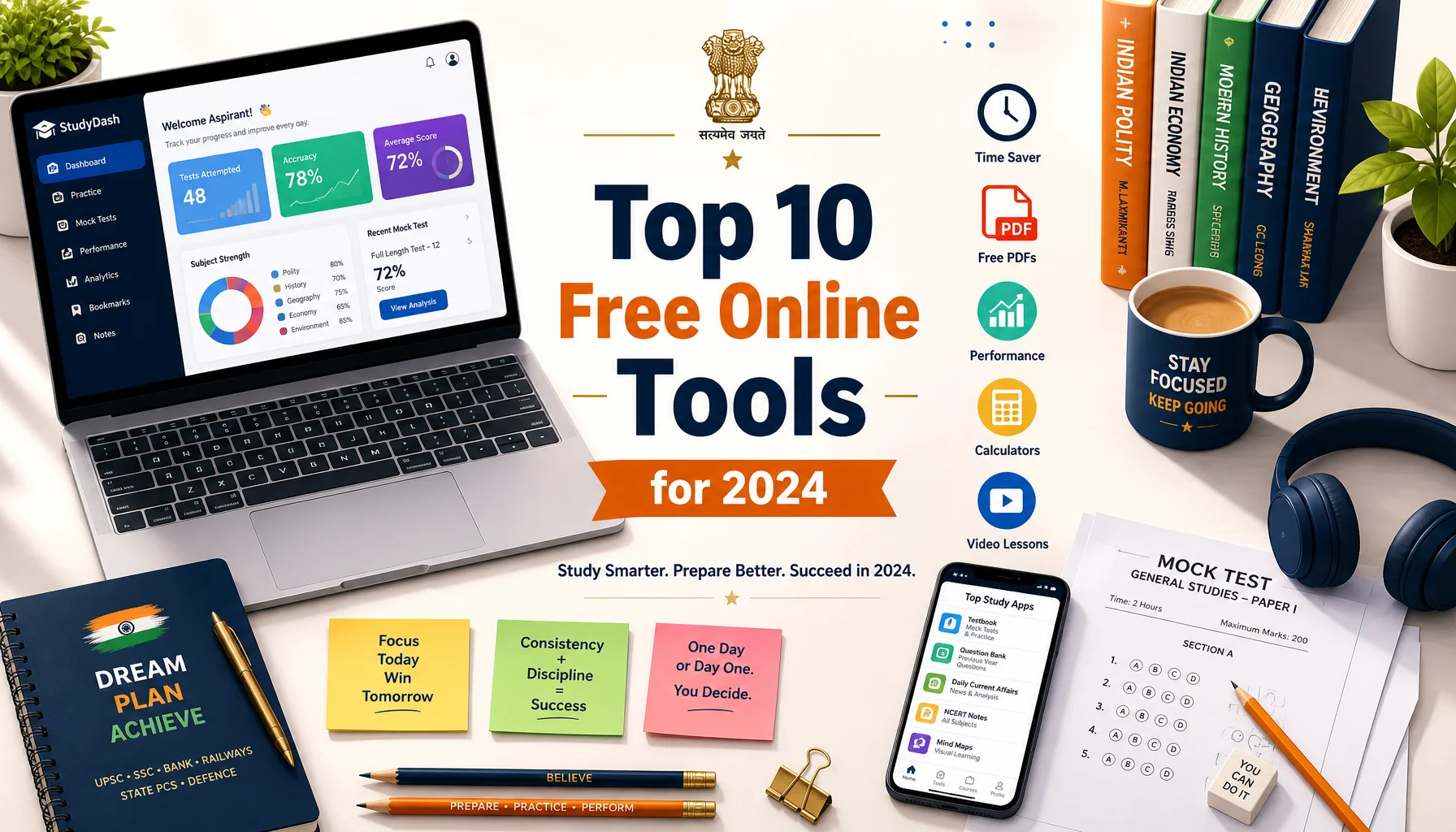
In this guide, we’ve curated the top 10 free online utilities that every government exam aspirant should bookmark in 2024. These tools streamline the entire application journey, from the moment you decide to apply to the day you walk into the exam hall.
Why Online Tools Matter for Exam Aspirants
Government exam application forms are notoriously particular. A photo that’s a few kilobytes too large, a signature in the wrong format, or a miscalculated age can lead to rejected applications. With lakhs of candidates competing for limited seats, even a small technical error can cost you an entire attempt. The right set of free tools eliminates these avoidable mistakes and saves precious time.upsc preparation
1. Age Calculator
Almost every government recruitment notification specifies age limits calculated as of a particular cut-off date. Manually computing your exact age in years, months, and days is error-prone.
- Enter your date of birth and the official cut-off date.
- Instantly see your precise age and whether you fall within the eligibility window.
- Check age relaxation eligibility for reserved categories.
An age calculator removes all guesswork and ensures you never apply for a post you’re ineligible for—or miss one you qualify for.
2. Image Resizer
Most application portals demand photographs within a specific file size range, such as 20 KB to 50 KB. Uploading an oversized image will result in an instant error.
- Compress your photo to the exact KB limit without visible quality loss.
- Adjust dimensions in pixels to match portal specifications.
- Works directly in the browser—no downloads needed.
3. Image Crop Tool
A good passport-style photo needs proper framing. An online image crop tool lets you trim excess background and center your face according to the required aspect ratio.Application Guide
- Crop to standard passport ratios like 3.5cm x 4.5cm.
- Preview the result before saving.
- Ensure your face occupies the correct proportion of the frame.
4. Signature Crop and Resize Tool
Signatures are frequently rejected because they’re too large in file size or poorly cropped. A dedicated signature crop tool solves both problems at once.
- Scan or photograph your signature, then crop out the surrounding white space.
- Resize it to the required dimensions and KB limit (often 10 KB to 20 KB).
- Convert to the accepted format, usually JPG or JPEG.
5. Exam Countdown Timer
Procrastination is the enemy of every aspirant. An exam countdown timer keeps your goal front and center by showing exactly how many days, hours, and minutes remain until your exam.
- Set the countdown to your specific exam date.
- Use it as a motivational tool to structure your study plan.
- Track multiple exam dates if you’re preparing for several tests.
Seeing the clock tick down creates a healthy sense of urgency and helps you allocate study hours wisely.
6. Image Format Converter
Sometimes your photo is a PNG but the portal only accepts JPG. Rather than fumbling with software, a free online format converter handles the switch instantly.
- Convert between JPG, JPEG, PNG, and other common formats.
- Batch convert multiple files at once.
- Retain image quality throughout the conversion.
7. PDF Compressor and Merger
Document uploads such as certificates, mark sheets, and category proofs often need to be in PDF format within a size limit. A PDF tool lets you compress bulky scans and merge multiple pages into a single file.
- Reduce PDF size while keeping text readable.
- Combine several documents into one upload-ready file.
- Split large PDFs when only certain pages are needed.
8. DPI and Pixel Checker
Certain competitive exams like SSC and UPSC specify photo requirements in DPI (dots per inch) and pixels. A DPI checker verifies whether your image meets these technical standards before you upload.
- Confirm the exact pixel dimensions of any image.
- Adjust DPI to match official guidelines, often 200 DPI.
- Avoid last-minute rejections due to resolution mismatches.
9. Percentage and Marks Calculator
When filling out application forms, you frequently need to enter your aggregate percentage from previous qualifications. A percentage calculator ensures accuracy.
- Convert CGPA to percentage using standard formulas.
- Calculate aggregate marks across multiple subjects or semesters.
- Estimate cut-off scores based on previous year trends.
10. Online Notepad and Checklist Maker
Keeping track of application steps, document requirements, and login credentials is easier with a simple online notepad or checklist tool.
- Create a checklist of every document you need before applying.
- Save notes on exam patterns and important dates.
- Access your list from any device without installing anything.
How to Use These Tools Effectively
To get the most out of these free utilities, follow a simple workflow. First, read the official notification carefully and note down every specification—photo size, signature format, age cut-off, and deadline. Next, prepare all your documents using the resizing, cropping, and conversion tools before you even open the application portal. Finally, keep your countdown timer visible so you never miss a submission deadline.
Bookmarking these tools in a dedicated folder means you’ll have everything ready the moment a new recruitment notification drops. Speed matters, especially when servers get flooded on the last day of application.
Conclusion
The application process for government exams doesn’t have to be stressful or error-prone. With these ten free online tools—covering everything from age calculation and image resizing to signature cropping and exam countdowns—you can complete every technical requirement quickly and correctly. Spend less time wrestling with file formats and more time doing what truly matters: preparing to ace your exam. Bookmark this list, keep these utilities handy, and step into your 2024 government exam journey fully prepared.

About the Author
muraliprasad
A dedicated content writer specializing in government job notifications and results. With two years of experience covering SSC, UPSC, Banking, Railways, and State PSC examinations, he delivers reliable, well-researched updates tailored for serious government job aspirants.