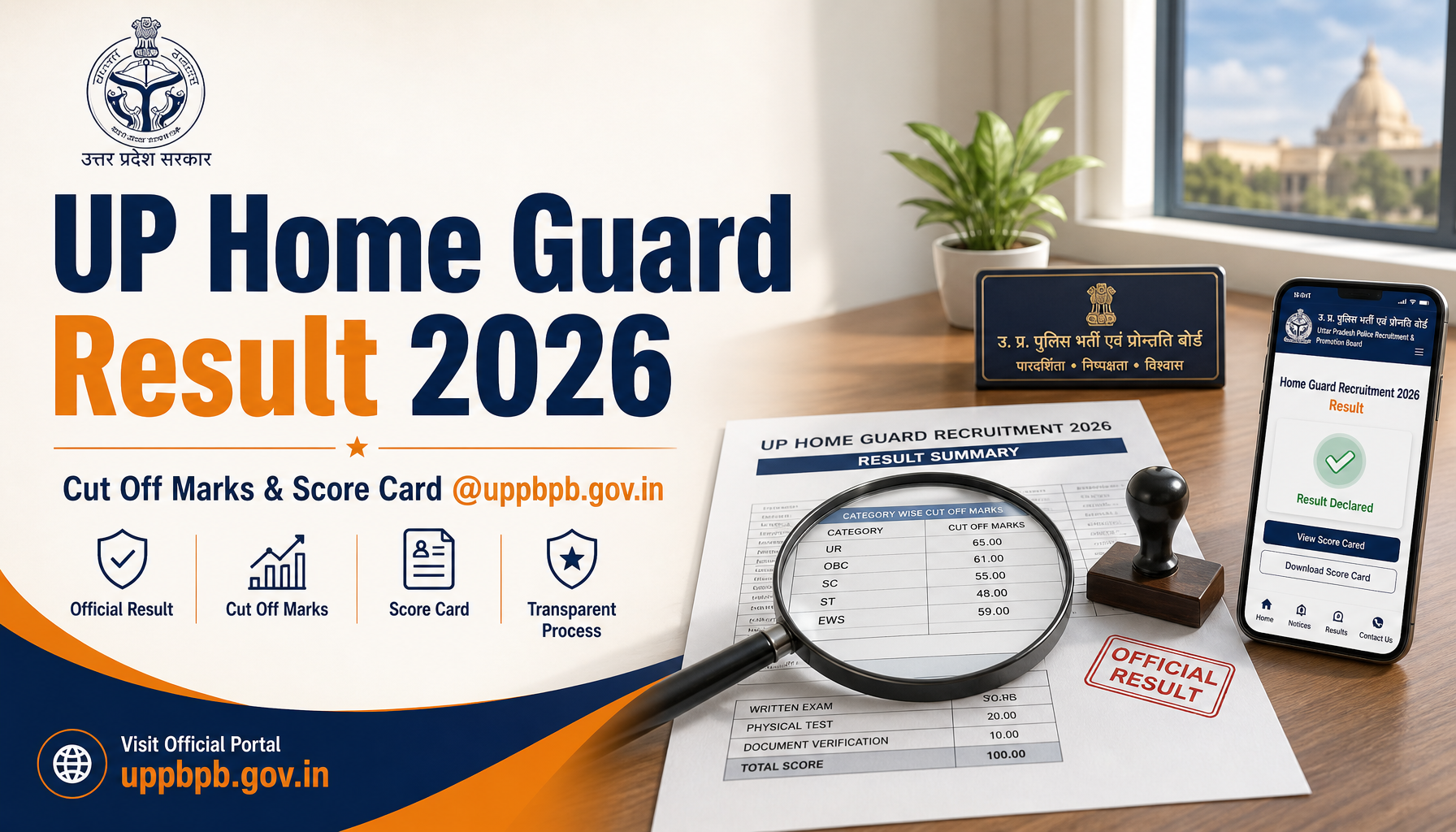
How to Apply Online for UP Home Guard 2026: A Beginner’s Complete Walkthrough
Thinking about joining the Uttar Pradesh Home Guard force but unsure where to begin? You’re in the right place. This friendly, no-jargon guide takes you through the entire online application journey on the official portal at uppbpb.gov.in. Whether this is your first government form or you’ve filled a few before, follow along and you’ll reach the final submission without confusion.study plan
Before You Touch the Keyboard: What to Keep Ready
Rushing into the form without preparation is the number one reason applications get stuck halfway. Gather these items first and the rest becomes smooth sailing.
- Identity proof: Aadhaar card, voter ID, or any government-issued document with your correct date of birth.
- Educational certificates: Your qualifying mark sheets and pass certificates.
- A working email address and mobile number: Verification codes and updates land here, so use ones you check regularly.
- A recent passport-style photograph: Light background, face clearly visible, clicked within the last few months.
- Your handwritten signature on white paper: Sign with a black or blue pen for a clean scan.
Photo and Signature Specifications
Get these technical details right or the system may bounce your upload:
- Photograph: JPG/JPEG format, dimensions roughly 3.5 cm x 4.5 cm, file size generally between 20 KB and 50 KB.
- Signature: JPG/JPEG format, kept within about 10 KB to 20 KB, scanned crisply against a plain backdrop.
Crop both images neatly before uploading. Blurry, oversized, or selfie-style photos are the quickest path to rejection.
Important Dates at a Glance
| Event | Date |
|---|---|
| Application Window Opens | 24 June 2026 |
| Last Date to Apply | 1 July 2026 |
Mark these dates on your calendar. The portal stops accepting forms once the closing date passes, so aim to finish a day or two early.
Registration: Your First Login
Creating an account is the gateway to everything else. Take it one step at a time.
- Open your browser and visit the official site: uppbpb.gov.in.
- Locate the UP Home Guard 2026 recruitment link on the homepage and click it.
- Choose the option labelled New Registration or Apply Online.
- Type in your full name exactly as it appears on your certificates, your date of birth, email, and mobile number.
- Submit the details to receive an OTP. Enter the code to verify your contact information.
- The system then displays your registration number and password. Note these down or screenshot them immediately.
Filling the Application Form
Log back in using your registration credentials. Now the main form appears, usually split into easy-to-handle sections.
- Personal details: Confirm your name, parentage, gender, and category. Double-check spellings.
- Contact and address: Enter your permanent and correspondence addresses with the correct pin code.
- Educational background: Fill in your qualifications, board names, passing year, and marks accurately.
- Other particulars: Add district preference and any additional information the form requests.
Save your progress after each section if the option exists. Read every field twice before moving forward.
Uploading Your Documents
This is where your prepared files come into play. In the upload section:
- Click the photograph upload button and select your correctly sized image.
- Repeat for your signature file.
- Attach any certificates the portal asks for, in the specified format.
- Wait for the green confirmation or thumbnail preview to ensure each file loaded properly.
If an upload fails, recheck the file size and format rather than retrying the same file repeatedly.
Paying the Application Fee
Once documents are in place, you’ll move to the payment gateway. Available modes typically include:
- Debit card
- Credit card
- Net banking
- UPI
Category-wise fee structure (refer to the official notification for the exact confirmed figures):
| Category | Approximate Fee |
|---|---|
| General / OBC | As notified by the board |
| SC / ST | Reduced or concessional rate |
| PwD | As per official rules |
After a successful transaction, a payment receipt or transaction ID appears on screen. Save it; this is your proof of payment.AEE Recruitment
Final Submission and Printout
Almost there. Before you hit the final button, review the entire form one last time.
- Use the preview option to scan every entry for typos or wrong details.
- Tick the declaration checkbox confirming your information is true.
- Click Final Submit. Remember, edits are usually impossible after this point.
- Once submitted, download the completed application PDF and take at least two printouts.
Keep one printout safe at home and carry the other to any future stage of the recruitment process.
Smart Tips to Dodge Rejection
A little caution now saves a lot of heartache later. Keep these pointers in mind:
- Match the photo specs exactly: Wrong dimensions or oversized files are rejected automatically.
- Use a proper signature scan: Avoid typing your name as a signature; always upload a scanned handwritten one.
- Spell names consistently: Your name on the form must match your certificates letter for letter.
- Pick the right category: An incorrect category selection can disqualify you or change your fee.
- Don’t wait for the last day: Server traffic spikes near the deadline and may slow things down.
- Verify payment status: If money is deducted but no receipt appears, wait before retrying and check your bank statement.
Ready to Begin?
You now have the full roadmap from registration to printout. Take it slowly, keep your documents handy, and apply well within the window from 24 June to 1 July 2026. Head straight to the official portal whenever you’re ready: uppbpb.gov.in. Government Salary Good luck with your UP Home Guard 2026 application!

About the Author
mani_kandan
A dedicated content writer specializing in government job notifications and results. With two years of experience covering SSC, UPSC, Banking, Railways, and State PSC examinations, he delivers reliable, well-researched updates tailored for serious government job aspirants.