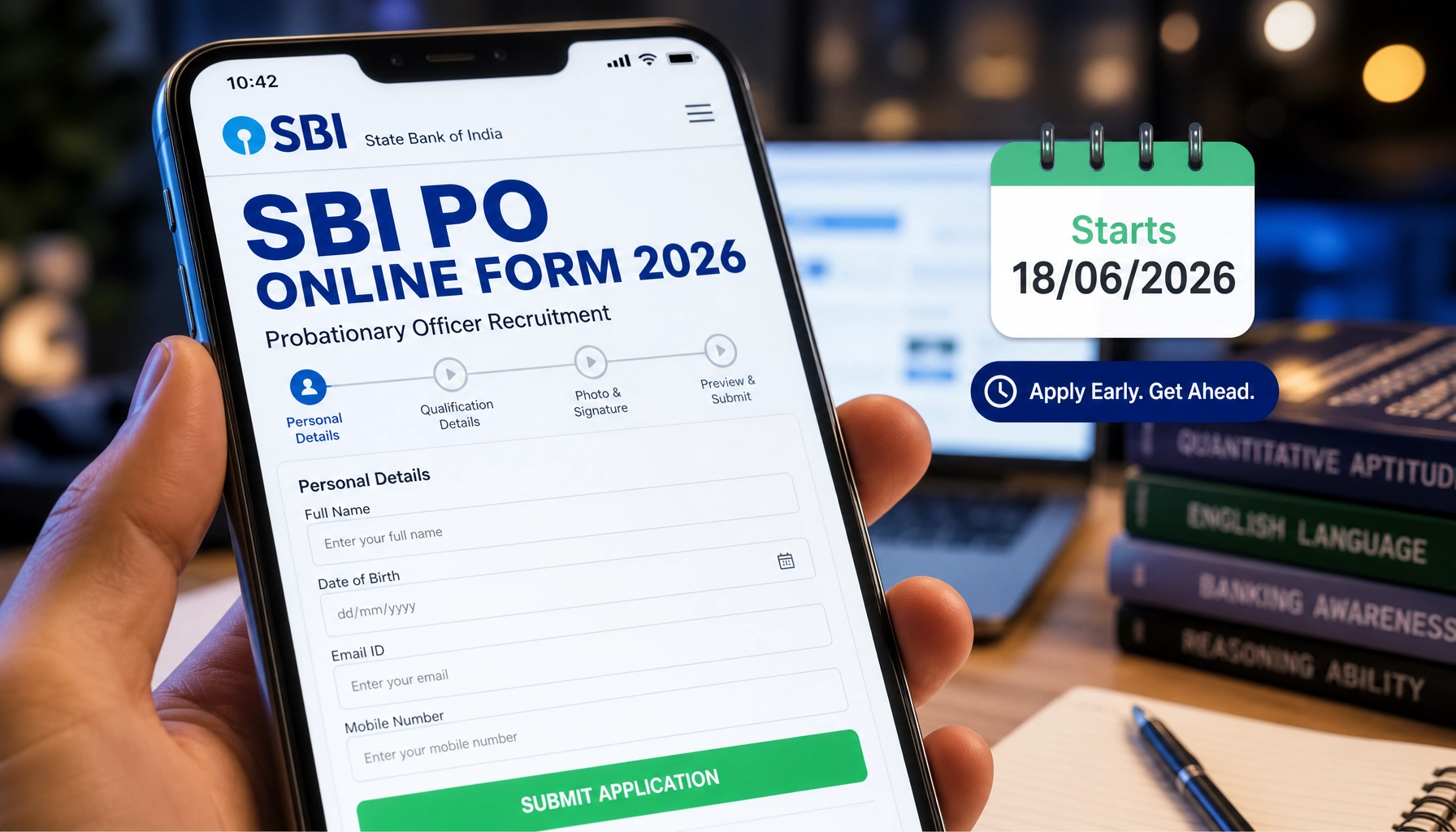
Filling out an online application for a high-profile recruitment like the State Bank of India Probationary Officer drive can feel intimidating if you have never done it before. The good news is that the process is logical and predictable once you break it into small steps. This walkthrough takes you from the very first preparation stage right through to printing your confirmation, so you can apply for the 1,500 SBI PO vacancies under advertisement number CRPD/PO/2026-27/09 with confidence.exam preparation
Before You Start: Documents and Image Specifications
The single biggest cause of last-minute panic is not having your scanned files ready. SBI will not register your application unless your photograph, signature, left-hand thumb impression, and hand-written declaration are uploaded exactly as specified. Prepare these files in advance:
- Photograph: Recent passport-style colour image, 4.5 cm x 3.5 cm, preferred dimensions 200 x 230 pixels, file size between 20 KB and 50 KB, in JPG/JPEG format against a light (preferably white) background.
- Signature: Signed on white paper using a black ink pen. Dimensions 140 x 60 pixels, file size 10 KB to 20 KB. Signatures in capital letters will NOT be accepted.
- Left-Hand Thumb Impression: Placed on white paper with black or blue ink. Dimensions 240 x 240 pixels at 200 DPI (about 3 cm x 3 cm), file size 20 KB to 50 KB. If you do not have a left thumb, the right thumb is acceptable.
- Hand-Written Declaration: Written in English (not capitals) with black ink. Dimensions 800 x 400 pixels at 200 DPI (about 10 cm x 5 cm), file size 50 KB to 100 KB.
The declaration text must read: “I________(Name of the candidate), _______(Date of Birth) hereby declare that all the information submitted by me in the application form is correct, true and valid. I will present the supporting documents as and when required. The signature, photograph and left-hand thumb impression is of mine.”
You will also need to capture a live photograph through your webcam or mobile phone during registration, so keep a device with a working camera handy. A valid email ID and active mobile number are mandatory and must remain working until results are declared.UPSSSC
Key Dates at a Glance
| Activity | Tentative Dates |
|---|---|
| Online registration & editing of application | 18.06.2026 to 08.07.2026 |
| Payment of application fee | 18.06.2026 to 08.07.2026 |
| Preliminary exam call letter download | 2nd / 3rd week of July 2026 onwards |
| Phase-I: Preliminary Examination | August 2026 |
| Phase-II: Main Examination | September 2026 |
| Phase-III: Psychometric Test, Interview & Group Exercises | October / November 2026 |
| Declaration of Final Result | November / December 2026 |
Registration Steps
- Open the official SBI careers portal at https://sbi.bank.in/web/careers/current-openings (also reachable via https://bank.sbi/web/careers/current-openings).
- Scroll down and click on advertisement number CRPD/PO/2026-27/09, then download and read the detailed notification carefully.
- Click the “Apply Online” link to open the application form listed under “Current Openings”.
- Begin a new registration. Enter your basic details to generate a provisional registration number and password, which will be displayed on screen. Note these down carefully.
- If you cannot complete the form in one sitting, save your progress and log back in later using your registration number and password to continue editing.
Filling the Form
Work through each section slowly. Enter your personal details, qualifications, category, and exam centre preferences exactly as they appear in your official documents. Pay special attention to your category selection, because no change of category is permitted after registration. Creamy-layer OBC candidates must choose UR (or the relevant UR sub-category). PwBD candidates cannot change their sub-category later. Tick the relevant box if you wish to avail Pre-Examination Training (offered online for SC/ST/OBC/PwBD candidates), and if you need a scribe, indicate it now rather than requesting it later.
Uploading Your Documents
Separate upload links are provided for photograph, signature, thumb impression, and hand-written declaration. Click each link, browse to the saved file, and click “Open/Upload”. A preview appears after each upload, so check that the image is sharp and not smudged. Crucially, make sure each file goes into its correct slot, the photo in the photo box, signature in the signature box, and so on. Mismatched uploads can lead to you being barred from the exam.current affairs questions
Paying the Fee
The application fee is non-refundable and depends on your category:
- Unreserved / EWS / OBC candidates: Rs. 750/-
- SC / ST / PwBD candidates: Nil (no fee)
Payment is made online only, through the payment gateway integrated into the form. Accepted modes are debit card, credit card, internet banking, and UPI. Any transaction charges are borne by the candidate. On a successful payment, an e-receipt and your completed application form are generated, which you can print. If the transaction fails, register again and retry the payment. Remember: your registration is complete only when the fee is successfully deposited.
Final Submission and Printout
Before clicking final submit, review every field one last time, because no corrections are allowed after final submission and applications cannot be withdrawn. Once submitted and paid, take a printout of the system-generated application form and the e-receipt for your records. Do not post any hard copy to SBI; the entire process is online.
Tips to Avoid Rejection
- Stick to the file sizes: An oversized photo (over 50 KB) or wrong signature size will trigger an error. Adjust your scanner DPI and use crop/resize tools to meet the limits.
- Never use capital letters for your signature or hand-written declaration, both will be rejected.
- Avoid coloured glasses, caps, or shadows in your photo. Religious headwear is allowed only if it does not cover the face.
- Submit only one application. If you submit multiple, only the last valid one is retained and fees on the others are forfeited.
- Keep 8 copies of the same photograph you uploaded, as you will need them at later stages.
- Apply early. Do not wait until 08.07.2026; heavy traffic near the deadline can cause technical failures, and SBI takes no responsibility for missed submissions.
- Double-check your category and personal details since they cannot be edited once finalized.
Follow these steps methodically, keep your files ready, and you will have a clean, error-free SBI PO 2026 application submitted well within the window.

About the Author
bhaskar_reddy
A dedicated content writer specializing in government job notifications and results. With two years of experience covering SSC, UPSC, Banking, Railways, and State PSC examinations, he delivers reliable, well-researched updates tailored for serious government job aspirants.